Stage timer for event teams
Keep every speaker on time.
A big, clear countdown for your stage screen. Set the time, press start, and the screen turns red when time is almost up.
Free up to 3-minute timers · Unlock lifetime access for only $29
Opening Keynote
Running
Made for real event days
Conferences, award nights, product launches and panels all run on tight schedules. Big Countdown gives speakers a calm, clear signal of how much time is left — no hand signals from the side of the stage.
How it works
- 1
Create an account
Sign up in seconds with Google or your email.
- 2
Use it free
Run timers up to 3 minutes, free forever.
- 3
Pay $29 once
Unlock lifetime access to every timer length.
Everything a stage timer needs
Huge, readable digits
Clear numbers speakers can read from the back of the stage.
Red warning
The screen turns red in the last minute, so nobody runs over.
Black screen
Hide the timer between sessions with one key.
Your event logo
Add the client’s logo above the countdown.
Full screen in one click
Plug in a laptop, press F, and you’re live.
Quick presets
30s, 1m, 5m, 10m, 30m, 1h — or type any time.
Phone remote
Start, pause and reset the stage screen from your phone by QR code.
Messages to the speaker
Send “Please wrap up” or your own note to the stage screen silently.
Event rundown
Line up every session, import a CSV and load the next one in one tap.
Overtime count-up
After zero the timer counts up in red, so you see how far over it ran.
Backgrounds & chroma key
Any colour, plus green screen and transparent for OBS or vMix.
Two ways to run your show
HDMI screen
Plug your laptop into the stage screen with a cable and control everything from the keyboard. No phone needed.
Phone remote
Open the stage link on any screen, scan the QR code with your phone, and run the timer from anywhere in the venue.
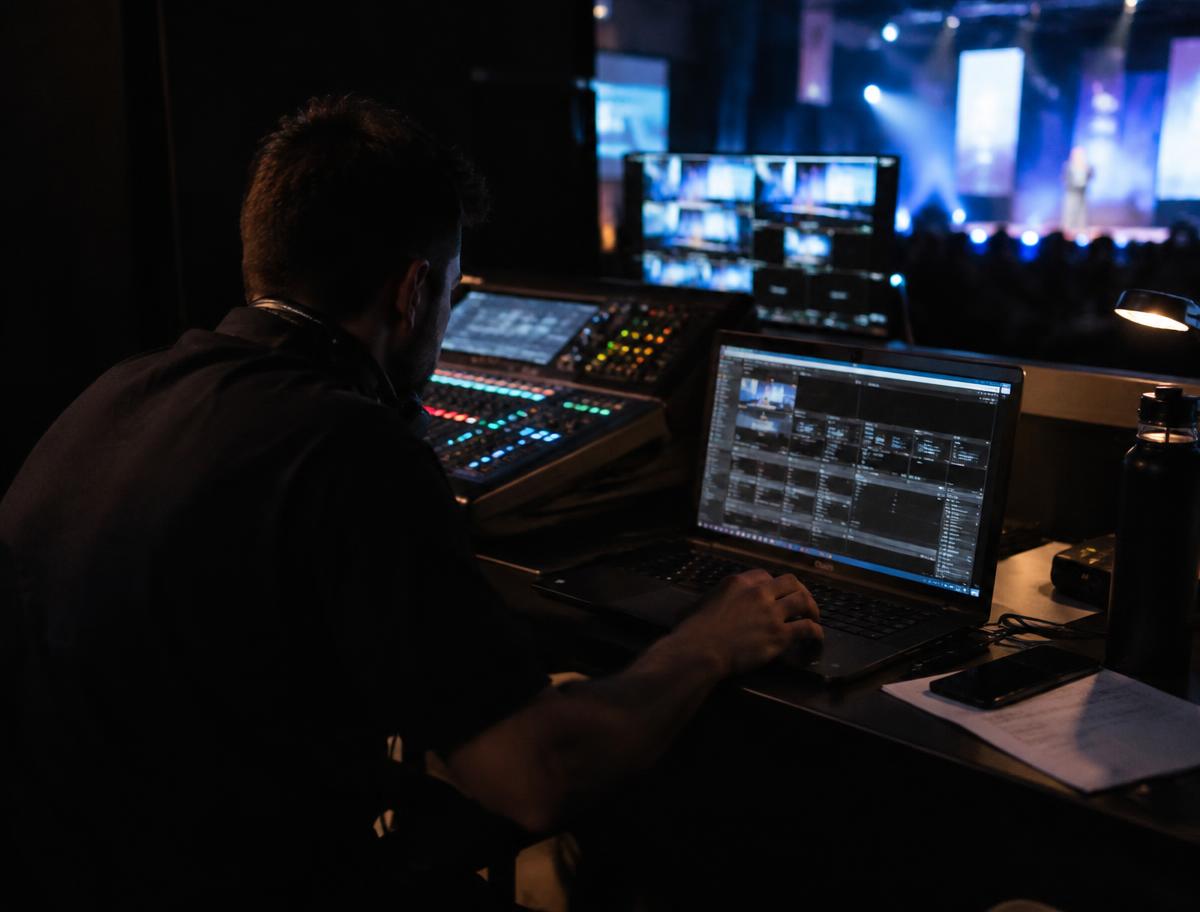
Run it from the control desk
Connect a laptop to the confidence monitor or main screen. Use keyboard shortcuts — Space to start or pause, R to reset, B for black screen, F for full screen.
Simple pricing
$29
One-time payment · lifetime access
Free plan: timers up to 3 minutes
- Unlimited timer lengths
- Unlimited events
- Logo, warnings & black screen
- No subscription, ever