Stage timer software: subscription or one-time payment?
By Big Countdown team (Step Solution LLC) · Published October 26, 2026 · Updated October 28, 2026 · 4 min read
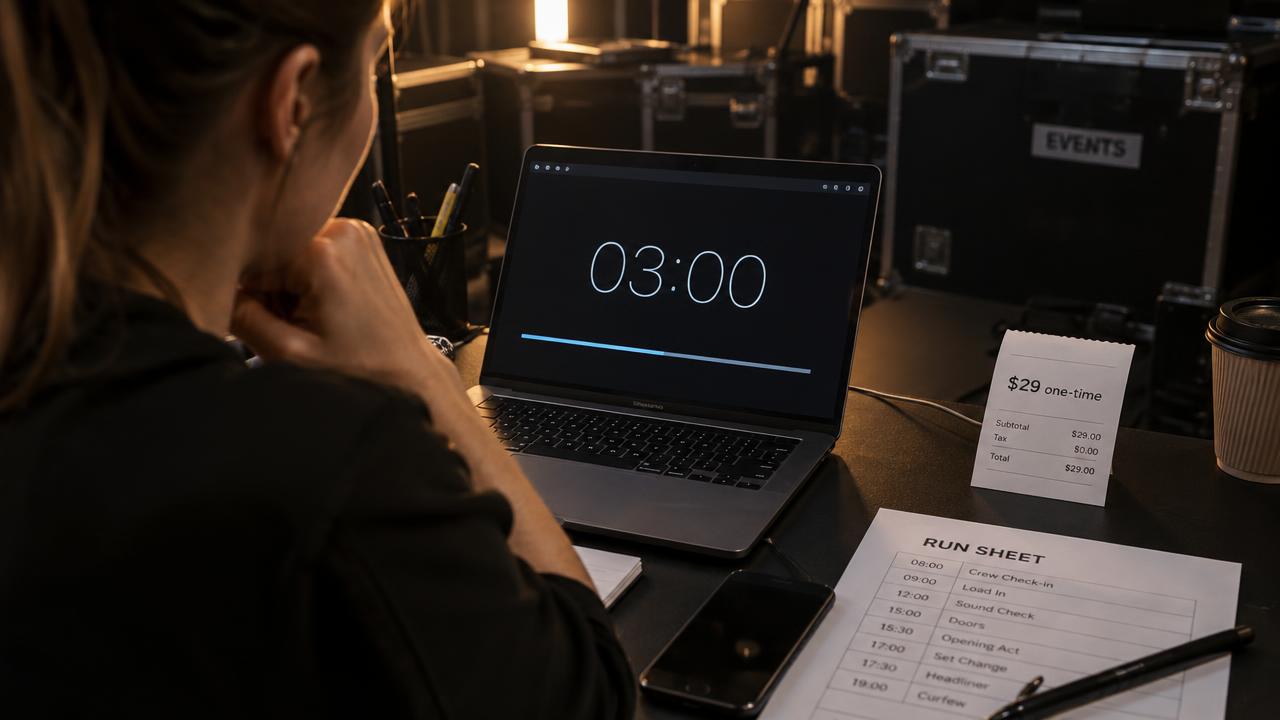
Timer tools range from free browser clocks to professional subscription platforms. Which is right depends less on features lists and more on how you actually work. We sell a one-time product, so we're not neutral — here are the questions we'd ask either way.
How often do you run events?
If you run a handful of events a year, a monthly subscription can cost more than the events justify, or you'll keep cancelling and re-subscribing. If you run shows every week with a large crew, a subscription with team features may be worth it.
Which features will you really use?
- Just a big, clear countdown with a warning colour? Simple tools cover that.
- Remote control from a phone, speaker messages, an event rundown? Check which tools include these — they're often locked behind higher subscription tiers.
- Branding with the client's logo: useful for agencies working with many clients.
Compare the total cost honestly
Multiply the monthly price by the months you'll realistically keep it, and compare it with any one-time price. Also check the refund policy and whether you can try before paying.
Where Big Countdown fits
Big Countdown is a browser stage timer: free for timers up to 3 minutes with every feature included, and $29 once for lifetime access to longer timers. That includes phone remote control, messages to the speaker, an event rundown with CSV import, overtime count-up and chroma-key backgrounds for OBS. If you need multi-room crew features or deep show-control integrations, a pro platform may suit you better.
Drafted with AI assistance, then checked and edited by the Big Countdown team.