Classroom countdown timer
Classroom countdown timer
Project a huge, distraction-free countdown so every student can see the time left for an activity, a quiz or a student presentation.
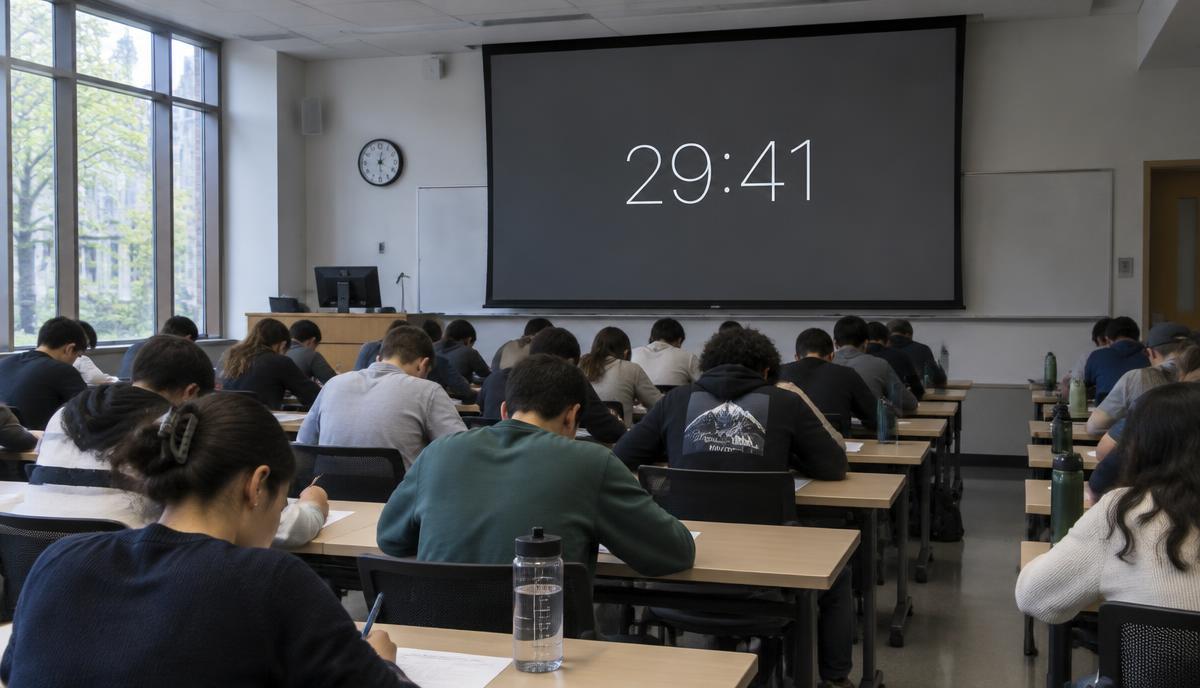
Why teachers and lecturers use Big Countdown
Readable from the back row
Huge digits that fill the projector screen.
Fair final warning
The screen turns red so nobody is surprised when time is up.
Control from your phone
Walk around the room and start, pause or add time from your phone remote.
Lesson rundown
Load quiz, group work and presentations as segments and move on in one tap.
No install on school PCs
Runs in the browser — nothing to approve with IT.
Suggested timings
| Segment | Length | Red warning |
|---|---|---|
| Quick activity | 3m | last 30 sec |
| Student presentation | 5m | last 1 min |
| Group work | 10m | last 2 min |
| Quiz | 30m | last 5 min |
Typical starting points — adjust to your own run-of-show.
How to set it up
- 1HDMI screen: connect the classroom computer to the projector, or Phone remote: open the stage link on the projector computer.
- 2Pick a preset, or build a lesson rundown of segments.
- 3Press F for full screen so students see only the clock.
- 4Press Space (or Start on your phone) and load the next segment for the next student.
Shortcuts: Space start/pause · R reset · B black screen · F full screen.
Questions
- Is it free for teachers?
- Timers up to 3 minutes are free forever with every feature; longer ones are $29 once.
- Can I control it while walking around?
- Yes. Scan the phone remote QR code and control the projector screen from your phone.
- Will it distract students?
- No — just the countdown on a dark screen, with an optional logo.
- Does it work on Chromebooks?
- It runs in any modern browser, including Chrome.
Free up to 3 minutes. $29 once for any length.
No subscription · 14-day money-back guarantee · runs in any browser.
Try it now