Conference & speaker timer
Conference speaker timer
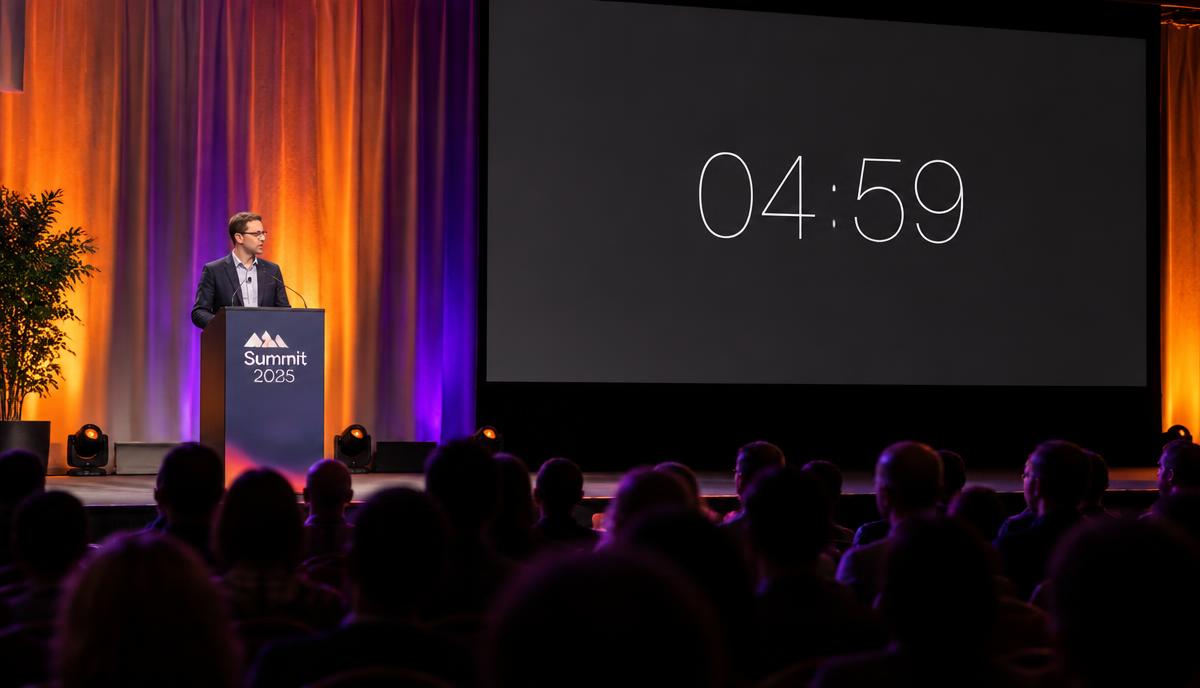
Keynotes, panels and lightning talks all fight for the same schedule. Put a calm, huge countdown on the confidence monitor so speakers see exactly how long they have — without hand signals from the wings.
Why conference teams use Big Countdown
Readable from the stage
Thin, oversized digits stay clear on a confidence monitor or main screen.
Red warning and overtime
The screen turns red near the end, then counts up in red if a speaker runs over.
Silent speaker messages
Send "Wrap up" or "2 min left" to the stage screen with a short flash.
Full-day rundown
Import the agenda from CSV and load each talk in one tap.
Phone remote
Stage managers run the clock from a phone anywhere in the venue.
Branded for the client
Add the event or sponsor logo; chroma green for streamed sessions.
Suggested timings
| Segment | Length | Red warning |
|---|---|---|
| Keynote | 30m | last 5 min |
| Talk | 20m | last 2 min |
| Panel | 45m | last 5 min |
| Lightning talk | 5m | last 1 min |
Typical starting points — adjust to your own run-of-show.
How to set it up
- 1HDMI screen: connect the tech-desk laptop to the confidence monitor. Phone remote: open the stage link on the monitor's computer and scan the phone QR code.
- 2Add the event logo and import the day's rundown, or pick a session length.
- 3Keep the screen black until the speaker starts, then press Start.
- 4Send silent messages as time runs short and load the next talk.
Shortcuts: Space start/pause · R reset · B black screen · F full screen.
Questions
- Can I run every session of the day?
- Yes. Load the agenda as a rundown and move to the next talk in one tap — paid accounts have no length limit.
- Can I control it away from the laptop?
- Yes. The phone remote link controls the stage screen from anywhere with internet.
- Does it need an install?
- No. It runs in any modern browser on the laptop connected to your screen.
- Is it a subscription?
- No. Every feature is free up to 3-minute timers; $29 once unlocks any length for life.
Free up to 3 minutes. $29 once for any length.
No subscription · 14-day money-back guarantee · runs in any browser.
Try it now